
KT1 Ergonomic Under Desk Keyboard Tray
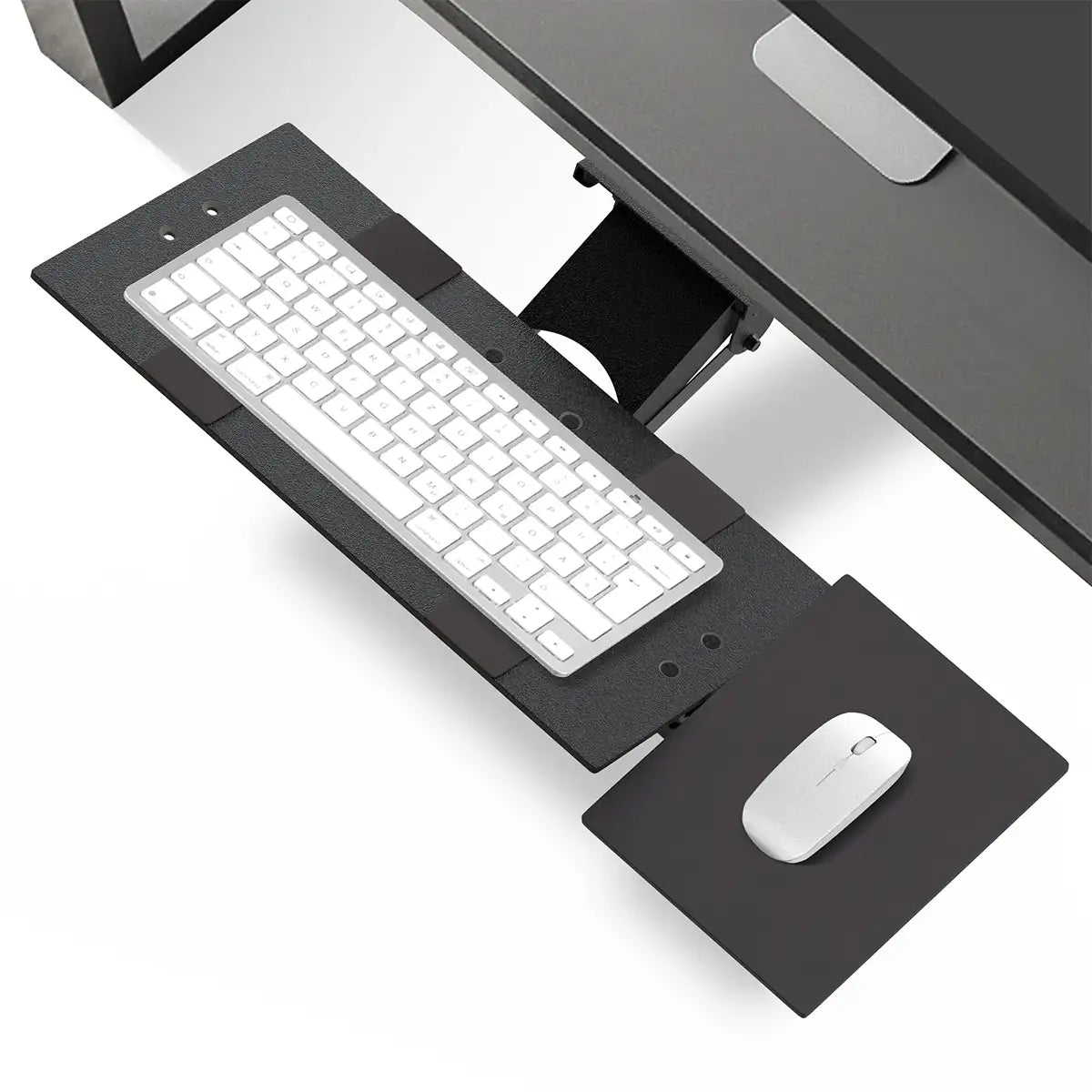
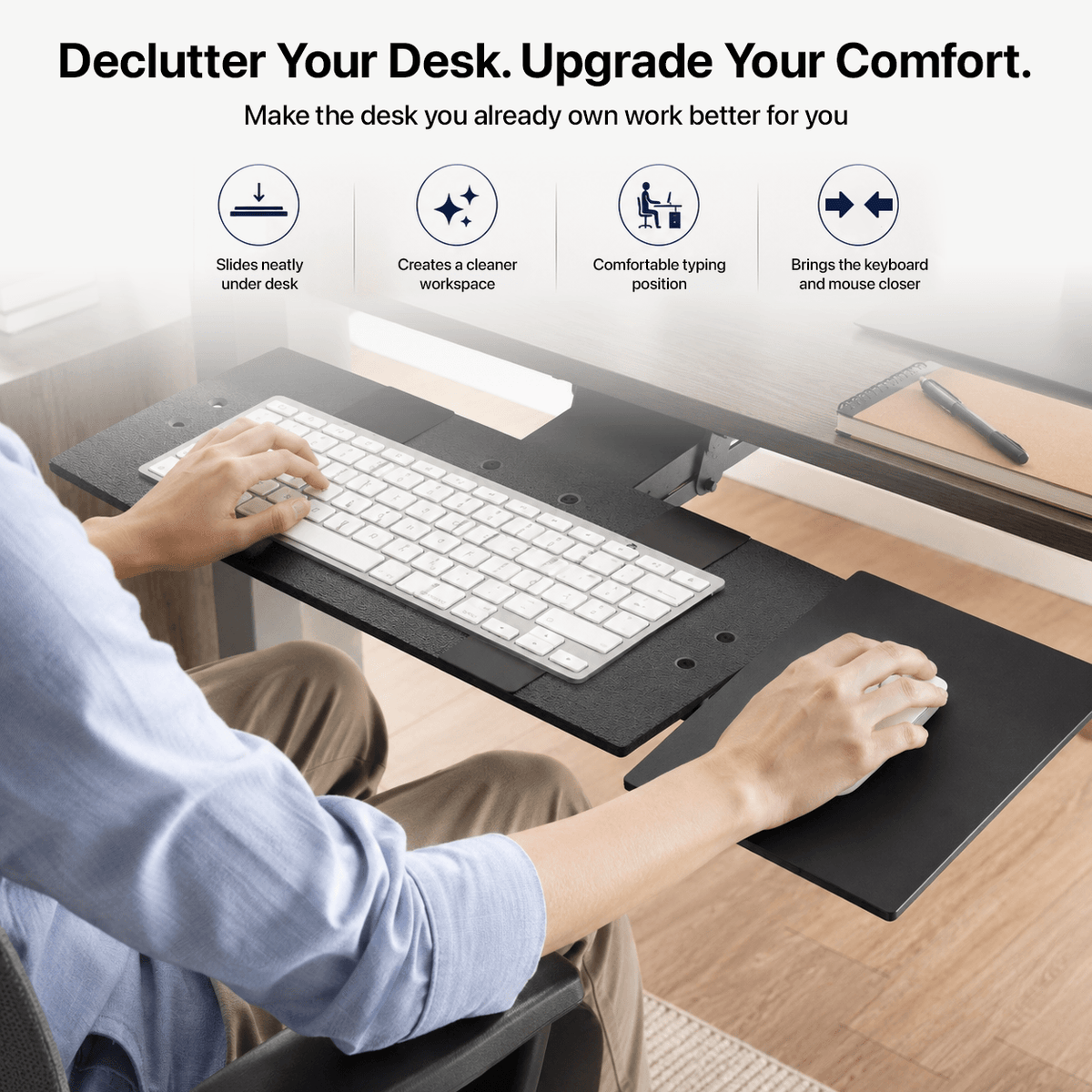
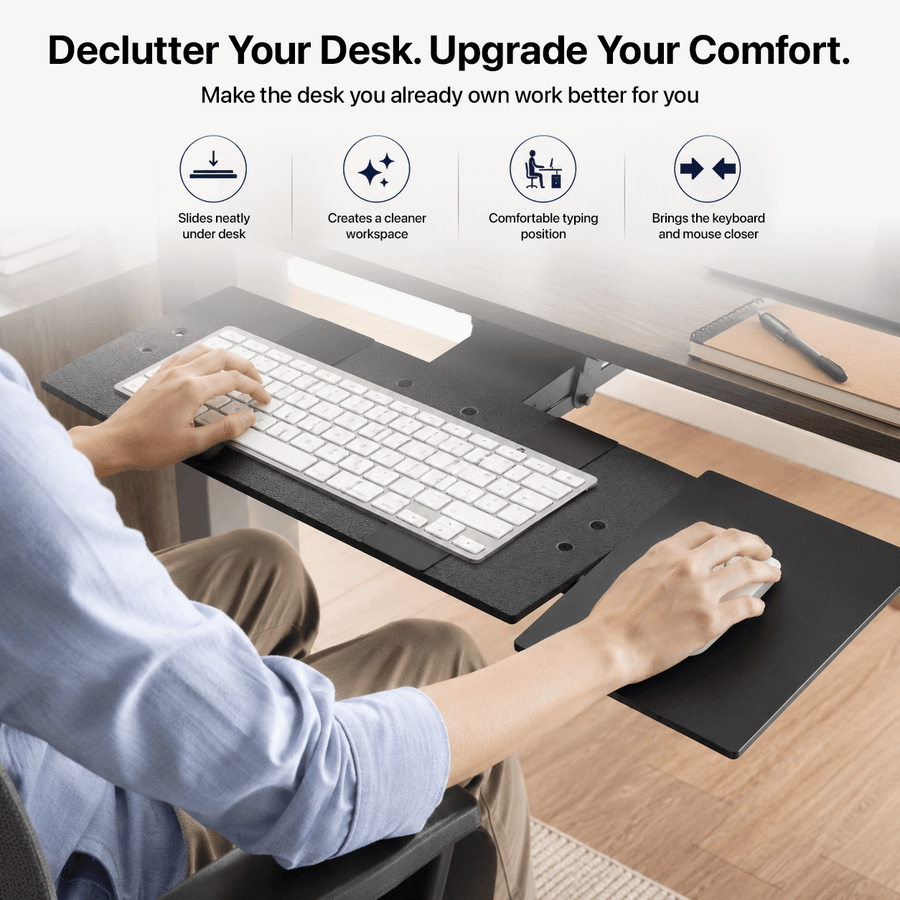
Patented under-desk keyboard tray Put your keyboard where your body wants it A desktop is not always the right typing height. KT1 mounts beneath your desk so you can independently adjust keyboard height, tilt, slide position, and mouse placement for a more comfortable everyday setup....
In Stock | Free Shipping $39 | 30-Day Returns| 1 Year Warranty
Full under-desk positioning control for keyboard and mouse
-
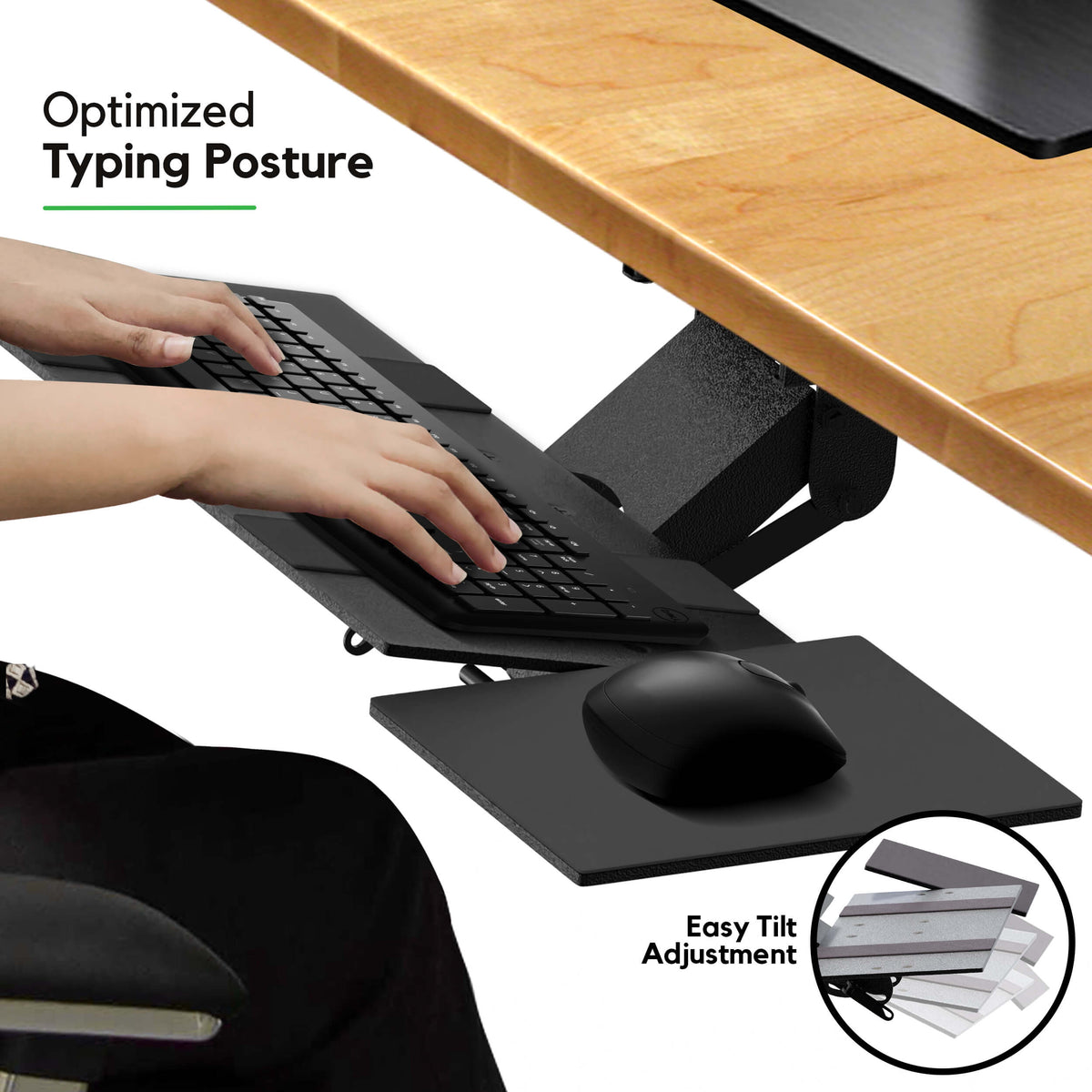
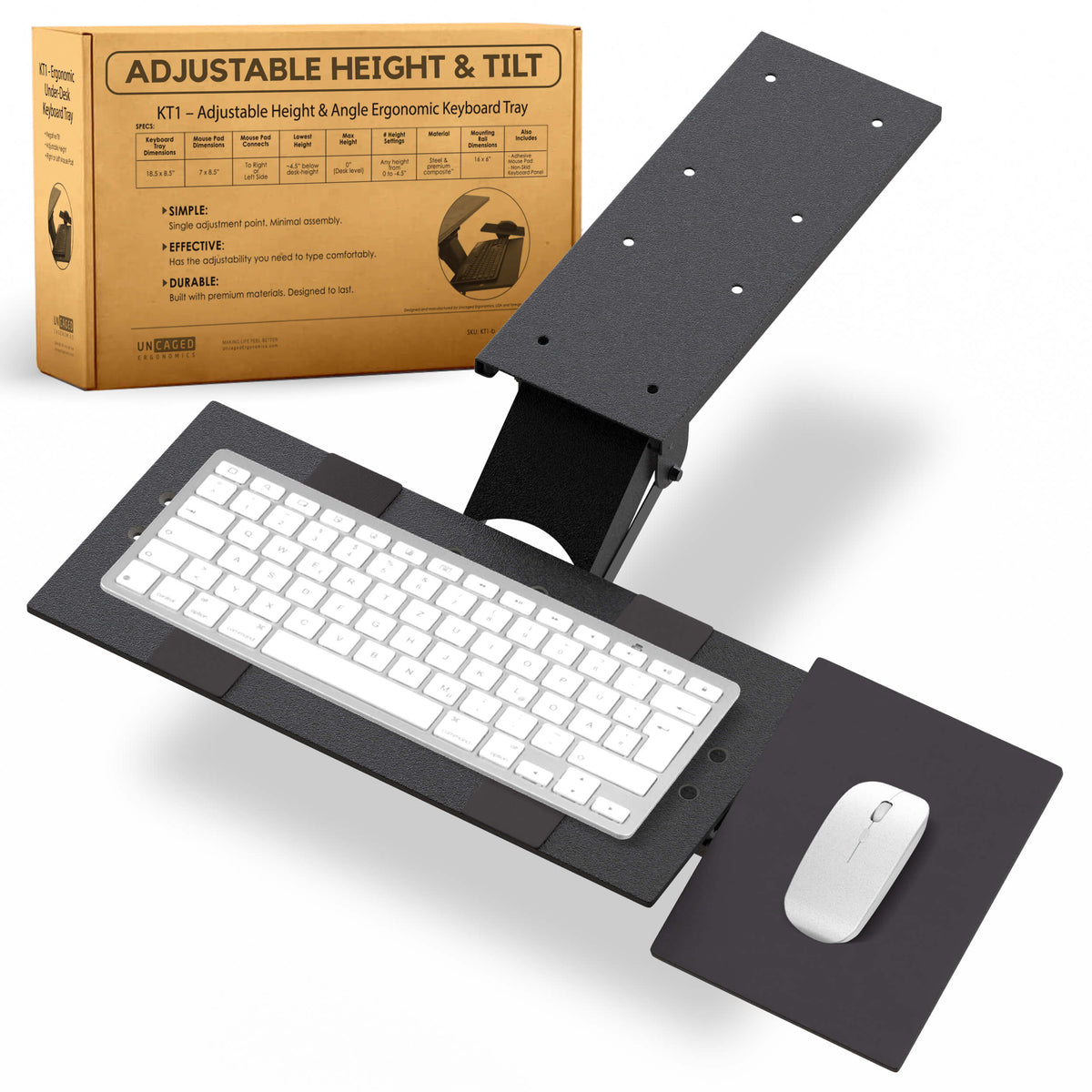
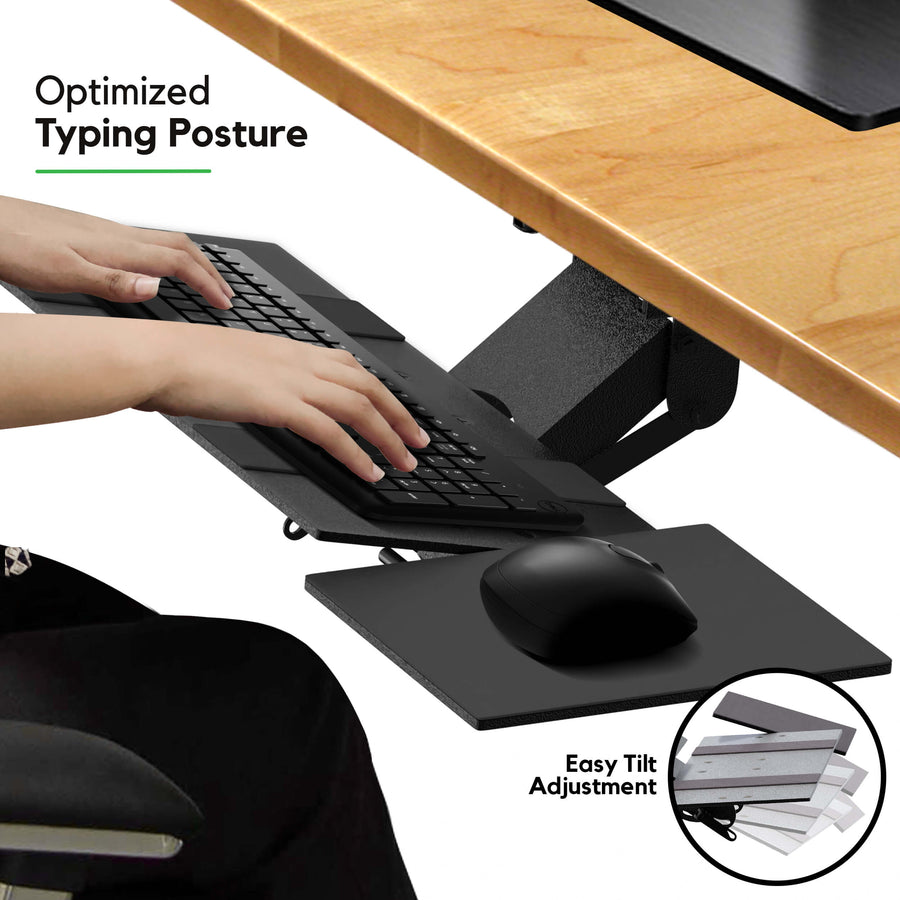
Adjust keyboard height, tilt, 360-degree swivel, and slide position
-
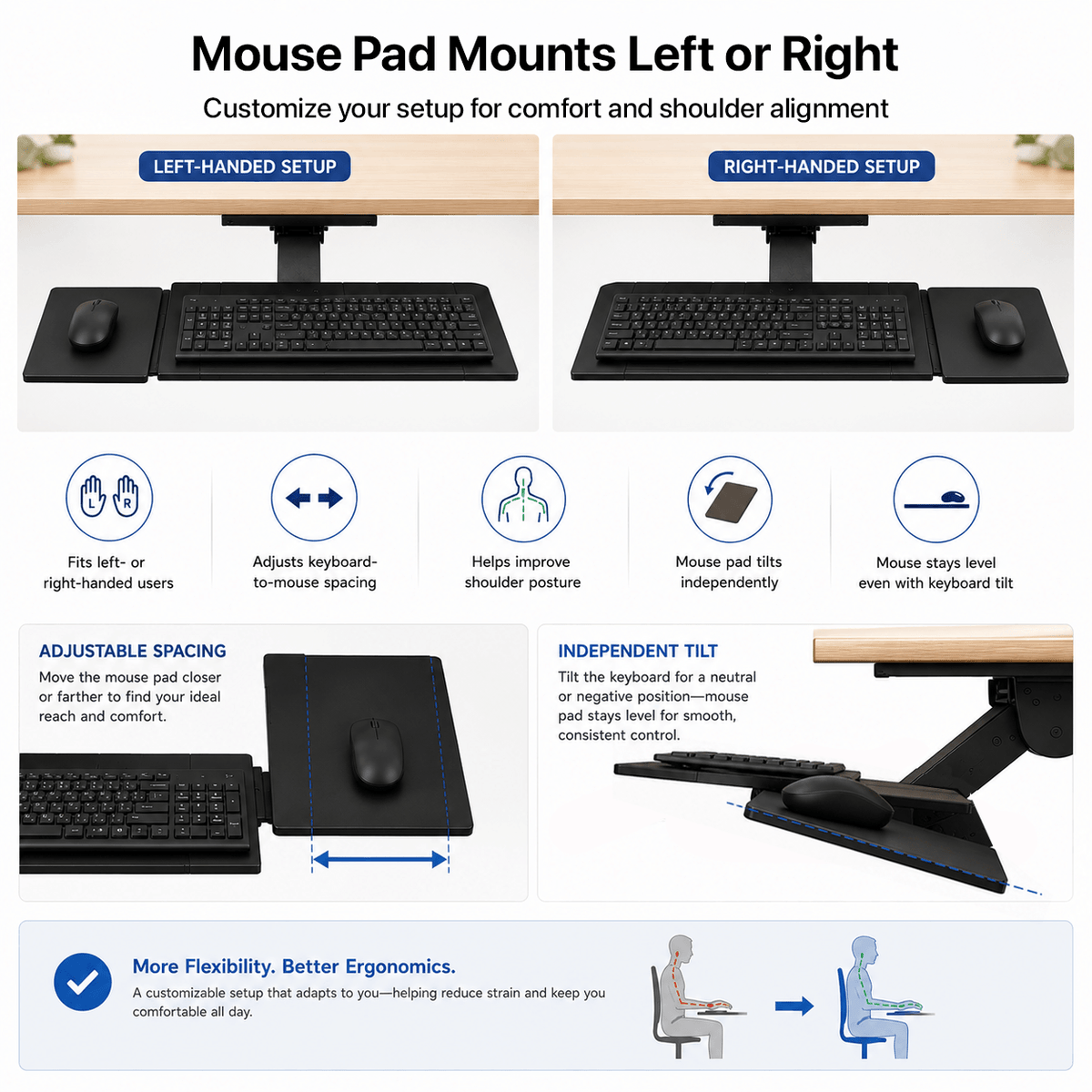
Separate mouse platform mounts left or right and tilts independently
-
Overall adjustable width from 25.5 to 27.5 in
-
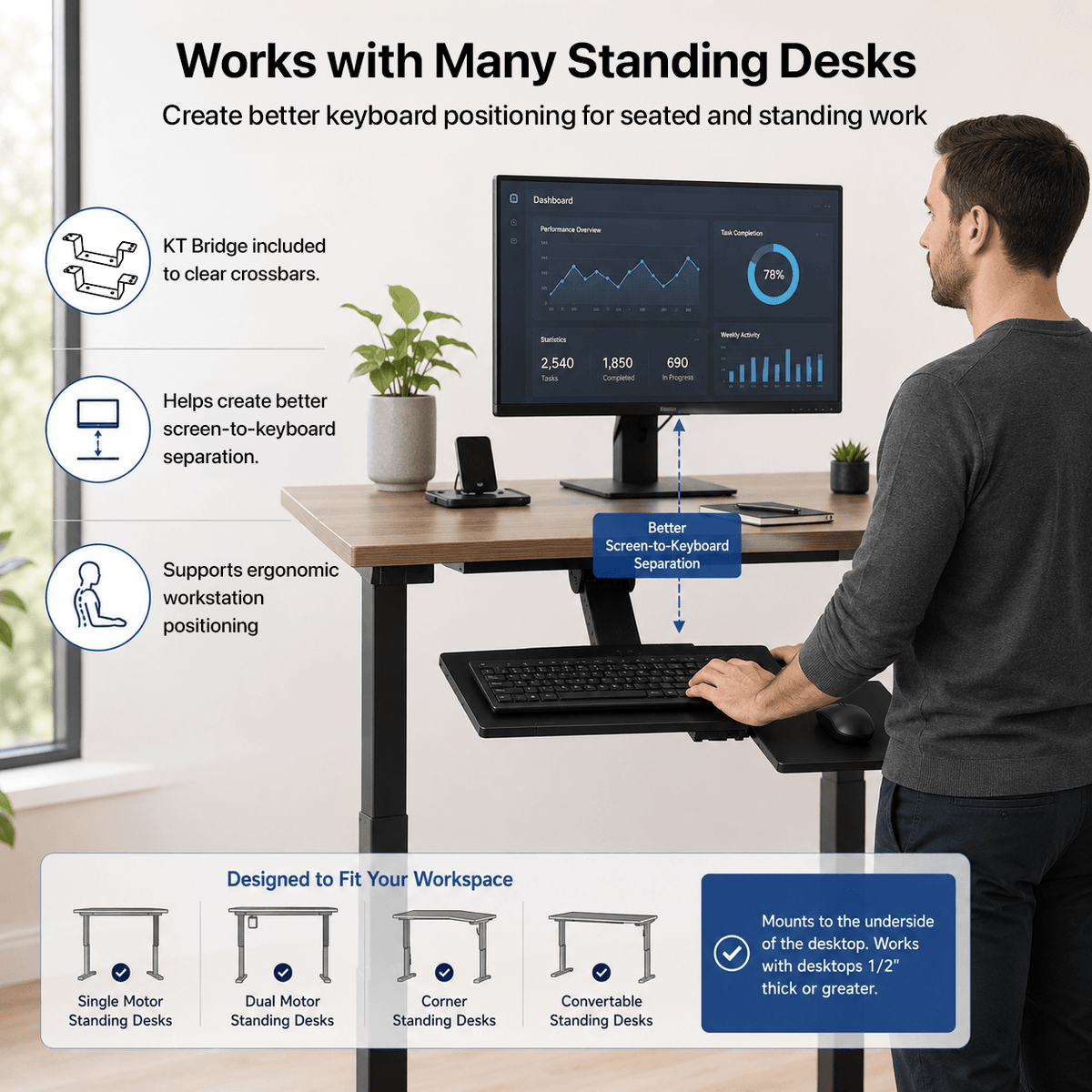
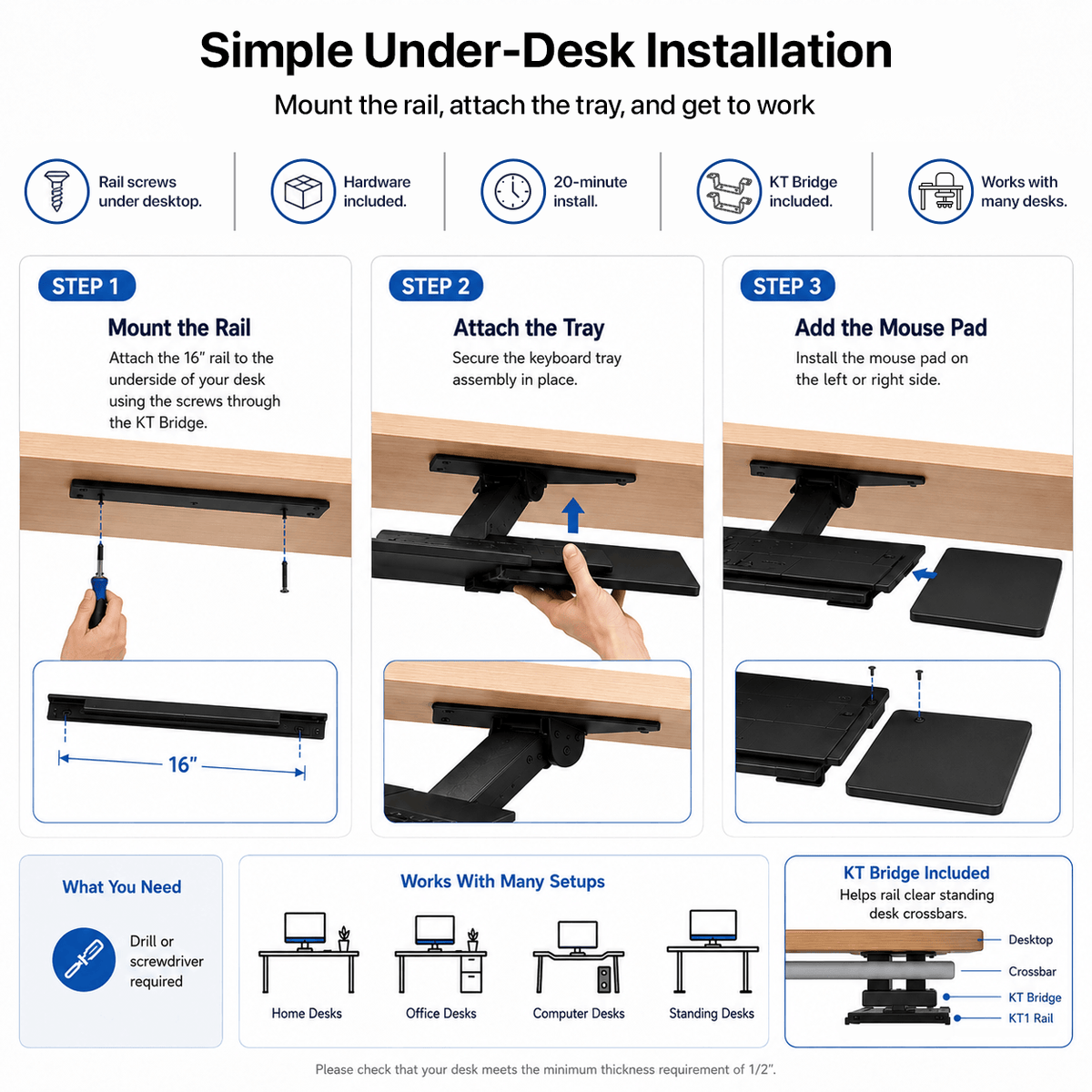
KT Bridge included for compatible standing-desk crossbars
-
11 lb capacity, 1-year warranty, and issued patent
Shoppers who need more control over keyboard and mouse placement.
- Check keyboard platform
- Check mouse platform
- Check overall adjustable width
- Check swivel
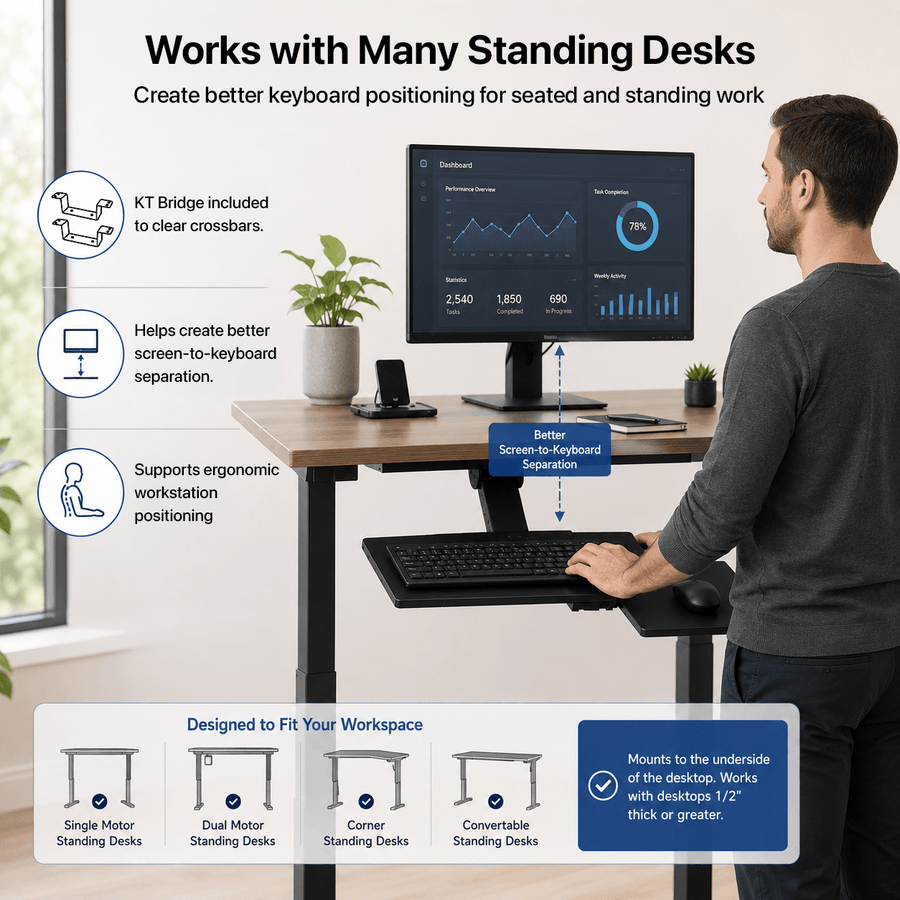
How the KT1 Adjustable Ergonomic Keyboard Tray works in practice
KT1 Adjustable Under-Desk Keyboard Tray is designed for shoppers who need more control over keyboard and mouse placement. It provides full under-desk positioning control for keyboard and mouse. The product combines Adjust keyboard height, tilt, 360-degree swivel, and slide position; Separate mouse platform mounts left or right and tilts independently; Overall adjustable width from 25.5 to 27.5 in; and KT Bridge included for compatible standing-desk crossbars. Before ordering, compare keyboard platform, mouse platform, overall adjustable width, and swivel with the intended setup and use.
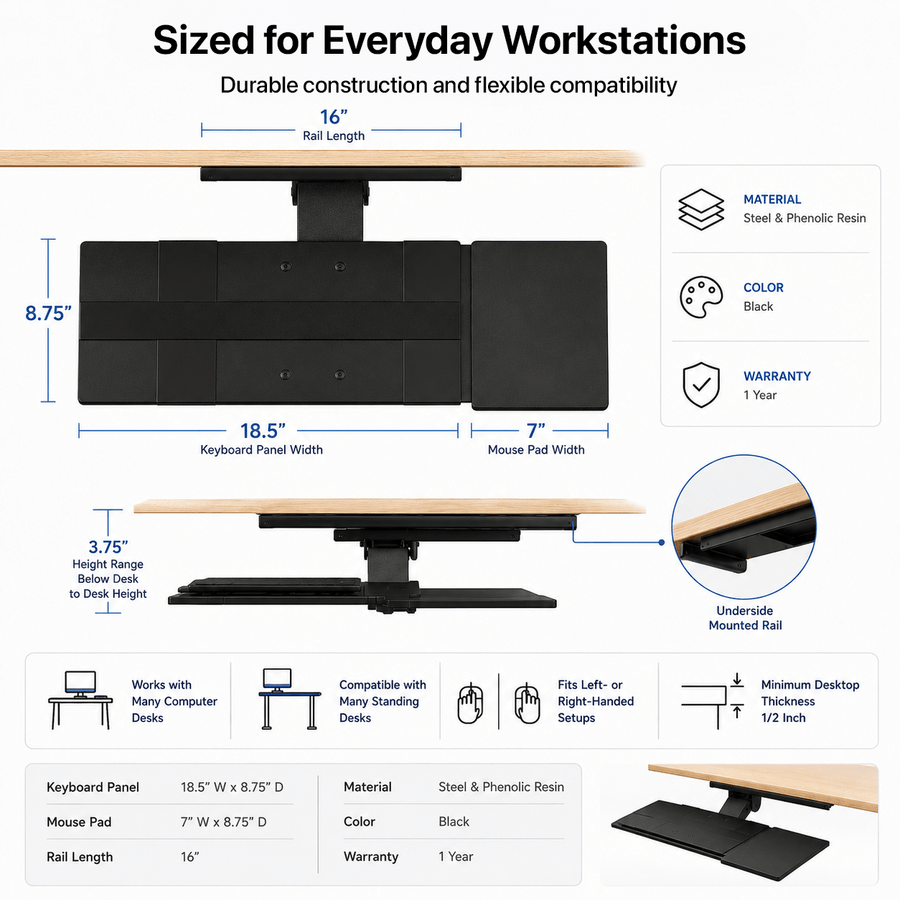
Specifications
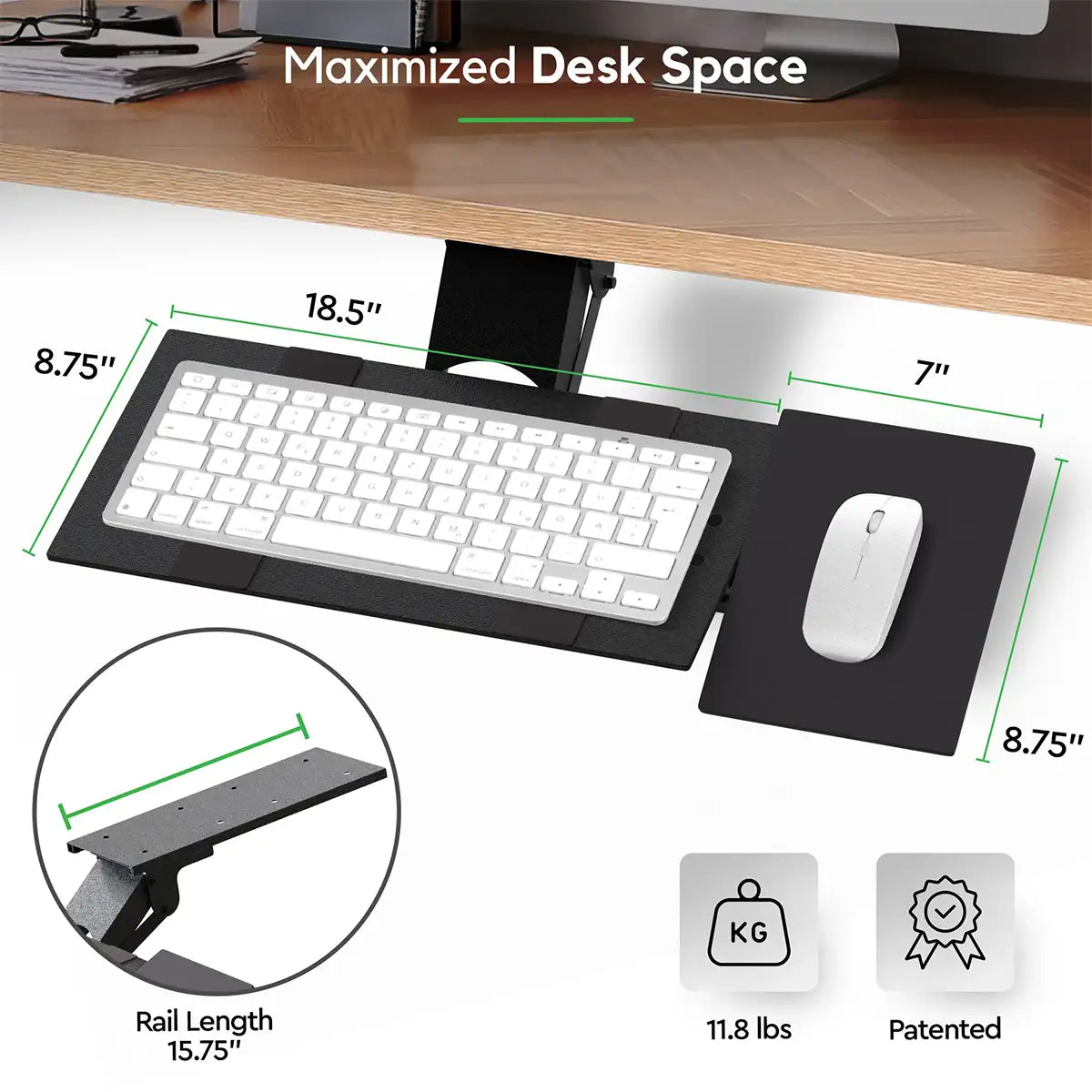
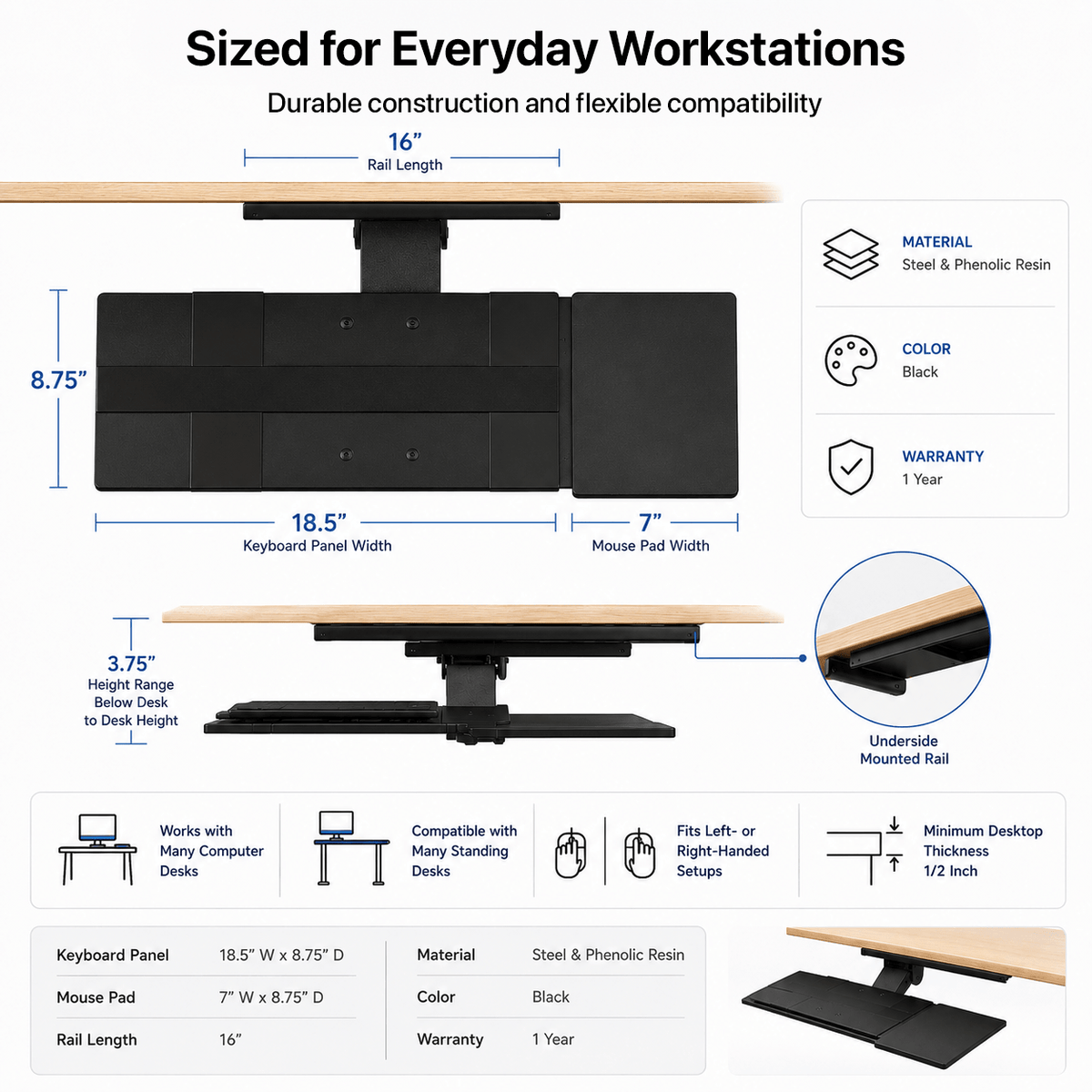
- Keyboard platform
- 18.5 x 8.75 in
- Mouse platform
- 7 x 8.75 in
- Overall adjustable width
- 25.5-27.5 in
- Swivel
- 360 degrees
- Maximum load
- 11 lb
- Materials
- Steel and phenolic resin
- Product weight
- 10 lb
- Shipping weight
- 12 lb
- Mounting
- Screw-mounted under desk
- KT Bridge
- Included
- Warranty
- 1 year
- Color
- Black
- Exact height, tilt, and slide ranges
- Needs verification before publish
Installation
Requires screw mounting beneath the desk. Check desktop thickness, usable underside depth, drawers, crossbars, controls, and cables.
Do not describe installation as tool-free. Adjustment after installation is tool-free.
- Requires screw mounting beneath the desk. Check desktop thickness, usable underside depth, drawers, crossbars, controls, and cables.
- Do not describe installation as tool-free. Adjustment after installation is tool-free.
Customer reviews
Frequently asked questions
What is KT1 Adjustable Ergonomic Keyboard Tray best for?
What should I confirm before ordering?
Does it require assembly or installation?
What are the main specifications?
What warranty applies?
Which other products should I compare?
Compare other options
| Model | KT1 Ergonomic Under Desk Keyboard Tray THIS PAGE | KT2 Adjustable Standing Desk Keyboard Tray | KT4 Adjustable Clamp-On Keyboard Tray | KT3 Adjustable Keyboard Stand | WorkEZ Adjustable Keyboard Stand |
|---|---|---|---|---|---|
| Best for | Full under-desk positioning control for keyboard and mouse. | Extended mounted range for seated and standing keyboard positioning. | Add an under-desk keyboard surface without permanent installation. | Repeatable keyboard heights without drilling or clamps. | Portable keyboard elevation from desk height to standing range. |
| Category | Keyboard Trays | Keyboard Trays | Keyboard Trays | Keyboard Trays | Keyboard Trays |
| Warranty | 1 year | 1 year | 1 year | 1 year | 1 year |
| Price | $89.99 | $129.99 | $59.99 | $59.99 | $49.99 |
| View | View product → | View product → | View product → | View product → | View product → |
Other options to consider
Compare these based on the intended setup, fit, adjustment, features, and verified specifications.